Sitecore to WordPress Migration for Modern Enterprises
Why Enterprises Choose to Migrate from Sitecore to WordPress
Sitecore delivers powerful enterprise capabilities, particularly for organizations requiring deep personalization, integrated marketing features, and complex digital experience management. However, its technical complexity, high licensing costs, and operational overhead can slow execution and reduce marketing agility over time.
Enterprises struggle with SXA’s complex page structures, rendering variants, Experience Editor limitations, complex multi-step approval workflows, and the added burden of Azure hosting costs, SOLR maintenance, and xDB overhead. Managing multiple sites & tenants in one instance only adds to the complexity.
WordPress, an open-source CMS, on the other hand, presents a smarter, more flexible, and more reliable option. It gives enterprises the scalability they need and marketers the freedom to manage, optimize, and publish content without waiting for development teams while still benefiting from the performance, extensibility, & governance required at the enterprise level.
Challenges with Maintaining Sitecore
- Costly Sitecore licensing, Azure hosting & XP/xDB overhead limit flexibility.
- Complex SXA structures (tenants, sites, partial designs, branch templates)
- High total cost of ownership, as upgrades & maintenance require ongoing technical intervention.
- Heavy reliance on developers for even minor content or design changes.
Advantages of Migrating to WordPress
- User-friendly workflows for marketers & editors to create, edit, and publish content with ease.
- Role-based access & role management for a fast, collaborative process.
- No licensing fees, comparitleny low implementation costs, and retainers cost in the long run, hence lower TCO
- Full control of the platform/tech stack and extended integrations make it a stable and reliable choice.
- WordPress makes it easier to organize content while preserving your existing site structure and URLs.
- Optimized hosting options tailored for WordPress performance and security.
- Content architecture, the way you want it, no rigid architecture
- Built with SEO best practices in mind from the start.
Key Features of Our Sitecore to WordPress Migration Service
We ensure a complete, accurate migration of all Sitecore items, SXA components, templates, multilingual content to their equivalents, posts, pages, Custom Post Types, Gutenberg blocks, and custom fields.
Leveraging automation tools, custom migration scripts, and manual migration, we ensure full fidelity of data, including fields, media library assets, and internal links; content hierarchy; sitemap navigation, delivering a seamless transition.
Our process safeguards all your key SEO metrics like meta titles, descriptions, canonical URLs, and structured data during migration. Sites with multilingual content retain optimized site maps and hreflang tags. We use your Sitecore Analytics/xDB insights in WordPress using Google Analytics, Rank Math, or Yoast SEO, ensuring steady search visibility & performance.
We ensure your Sitecore XP marketing workflows, such as personalization, lead tracking, and campaigns, transition smoothly to WordPress. By mapping your Sitecore xDB data, personalization rules & engagement tracking to equivalent WordPress-based tools. We also integrate advanced CRM & marketing automation platforms like HubSpot, Salesforce, and ActiveCampaign, so you retain full marketing power without vendor lock-in.
We transform your Sitecore Layouts, Renderings, and SXA Components into lightweight, responsive WordPress Templates and Gutenberg Blocks optimized for Core Web Vitals, delivering faster load times and intuitive navigation across all devices. We enhance design and performance to boost engagement, lower bounce rates, & ensure a consistent, enterprise-grade digital experience.
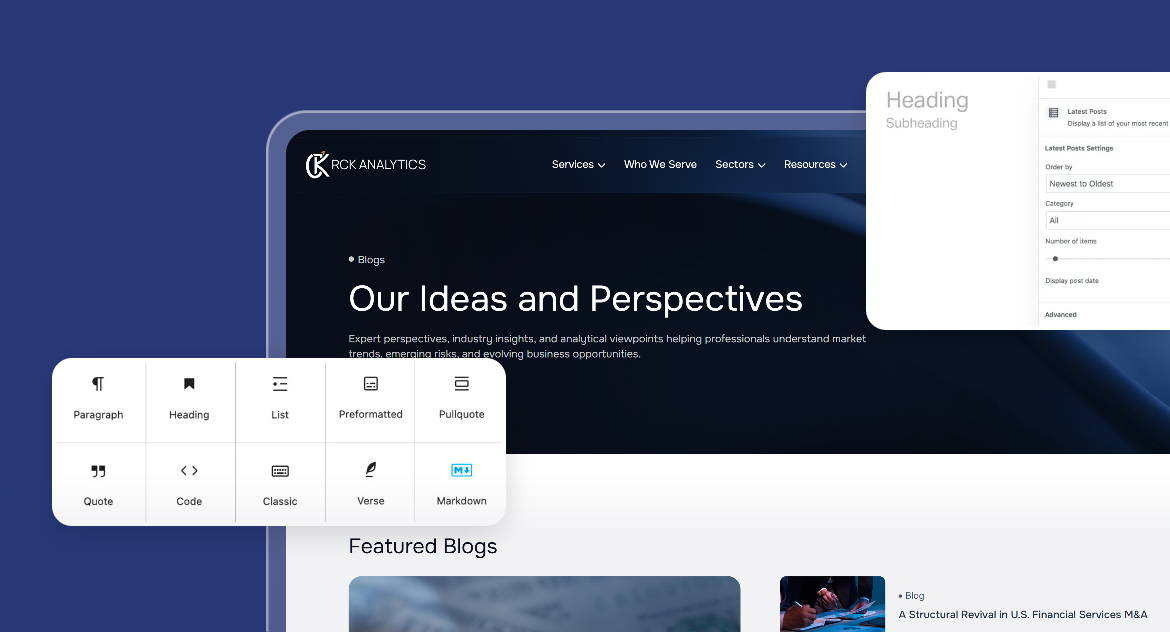
Unlike Sitecore’s complex publishing workflow and Experience Editor dependencies, WordPress streamlines content creation, publishing, and user role management with straightforward interfaces & role-based permissions. Editors and marketers can create, edit, and publish content using Reusable templates, patterns, template parts, and Gutenberg blocks without developer dependency.
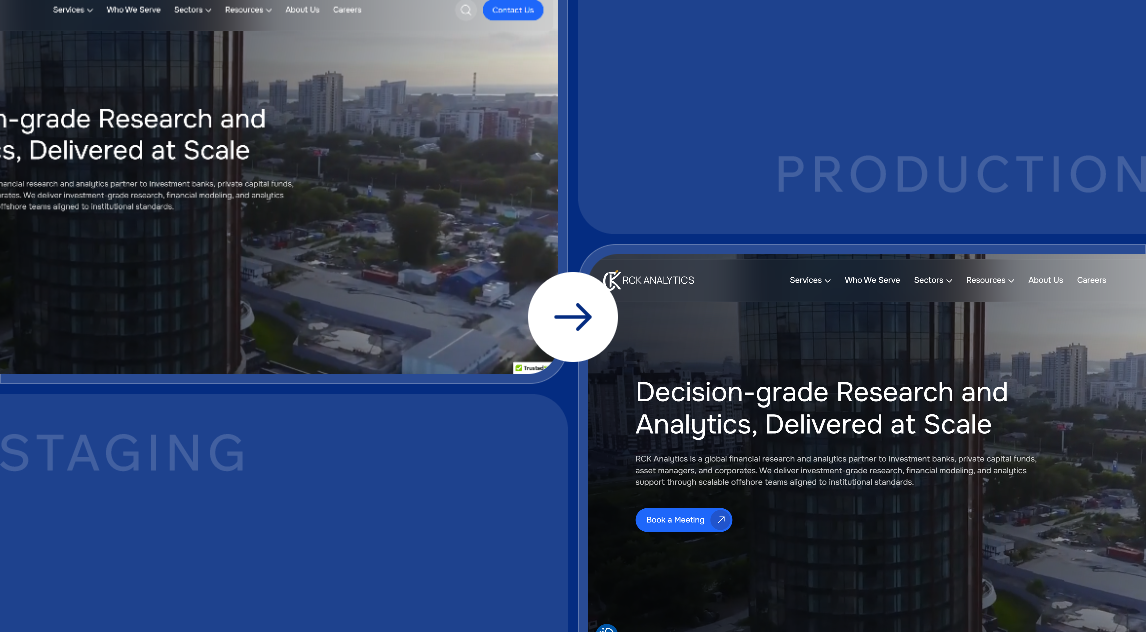
Our migration process ensures no disruption to your live site. We work within a staging environment to validate data, design, and functionality before the final switch.
Before go-live, everything is thoroughly tested—from media assets, content inventory, URLs, broken links, and 301 redirects to multilingual elements and design consistency, to ensure a smooth and stable transition.
We ensure a complete, accurate migration of all Sitecore items, SXA components, templates, multilingual content to their equivalents, posts, pages, Custom Post Types, Gutenberg blocks, and custom fields.
Leveraging automation tools, custom migration scripts, and manual migration, we ensure full fidelity of data, including fields, media library assets, and internal links; content hierarchy; sitemap navigation, delivering a seamless transition.
Our process safeguards all your key SEO metrics like meta titles, descriptions, canonical URLs, and structured data during migration. Sites with multilingual content retain optimized site maps and hreflang tags. We use your Sitecore Analytics/xDB insights in WordPress using Google Analytics, Rank Math, or Yoast SEO, ensuring steady search visibility & performance.
We ensure your Sitecore XP marketing workflows, such as personalization, lead tracking, and campaigns, transition smoothly to WordPress. By mapping your Sitecore xDB data, personalization rules & engagement tracking to equivalent WordPress-based tools. We also integrate advanced CRM & marketing automation platforms like HubSpot, Salesforce, and ActiveCampaign, so you retain full marketing power without vendor lock-in.
We transform your Sitecore Layouts, Renderings, and SXA Components into lightweight, responsive WordPress Templates and Gutenberg Blocks optimized for Core Web Vitals, delivering faster load times and intuitive navigation across all devices. We enhance design and performance to boost engagement, lower bounce rates, & ensure a consistent, enterprise-grade digital experience.
Unlike Sitecore’s complex publishing workflow and Experience Editor dependencies, WordPress streamlines content creation, publishing, and user role management with straightforward interfaces & role-based permissions. Editors and marketers can create, edit, and publish content using Reusable templates, patterns, template parts, and Gutenberg blocks without developer dependency.
Our migration process ensures no disruption to your live site. We work within a staging environment to validate data, design, and functionality before the final switch.
Before go-live, everything is thoroughly tested—from media assets, content inventory, URLs, broken links, and 301 redirects to multilingual elements and design consistency, to ensure a smooth and stable transition.
Our Sitecore to WordPress Migration Process
Content Audit & Migration Strategy
We start with a detailed content audit analyzing your Sitecore content tree, SXA tenants, sites, templates, fields, workflows, and media library. Our experts then map these elements to their WordPress equivalents, like Sitecore Items → Posts/Pages, Templates → Custom Themes/Templates, & SXA Components → Gutenberg Blocks / ACF Blocks, to preserve your site’s structure, hierarchy, & integrity.
Data Export and Bulk Migration
We export your Sitecore content, fields, and media items, converting them into WordPress formats. Then this data is bulk migrated using automation tools, with manual migration wherever necessary. Custom fields are mapped into Advanced Custom Fields (ACF), and components and renderings are transformed into Gutenberg blocks. Your entire content architecture, from sections to animations to layouts to templates, is recreated in WordPress, ready for easy editing, publishing, and growth.
Theme Development/Replication & Customization
Your Sitecore templates, layouts, and SXA components are rebuilt as a custom WordPress theme/template. All interactive elements, design modules, and custom features are replicated using modern WordPress blocks (Gutenberg), widgets, patterns, and template parts, maintaining your brand identity and UI consistency.
SEO preservation & Performance Optimization
We migrate your key SEO elements, including title tags, meta descriptions, internal links, redirects, and schema, from Sitecore to WordPress using tools like Yoast SEO or Rank Math. Your analytics stack, including Sitecore Analytics, xDB data, and goal tracking, will be transitioned to Google Analytics & Search Console for continuous insight to ensure continued visibility into performance, traffic, and user behavior after migration. The core web vitals will be passed for the new website.
Quality Assurance & Deployment
Your staging environment goes through multiple rounds of QA and User Acceptance Testing (UAT) to validate data accuracy, content integrity, URL structures, media, multilingual elements, redirects, forms, integrations, user roles, permissions, and overall functionality across devices and browsers. Once everything is validated, we deploy your new WordPress site with minimal downtime, ensuring a seamless launch & uninterrupted user access.
Post-Migration Support & Team Enablement
Our Post-launch maintenance & support includes proactive maintenance, security updates, performance optimization, WordPress core updates, uptime monitoring, backup management, technical SEO fixes, and continuous improvements to your enterprise website
Case studies
Why Choose Our Expert Sitecore to WordPress Migration Services?
01
Trusted Sitecore Migration Experts
Our team specializes in migrating complex Sitecore environments, including SXA, XP/xDB, multisite tenants, Branch templates, rendering variants, Versioned items, and SOLR-powered search. We preserve your URL structure, SEO settings, and data integrity to ensure your WordPress site launches seamlessly & without data loss.
02
Tailored WordPress Solutions
Your new WordPress site is built around your brand, your audience & your marketing goals. Every template, pattern, and block is thoughtfully crafted to mirror or enhance your Sitecore design and functionality, delivering a fast, intuitive experience that truly connects with users and drives results.
03
Enterprise-Scale Migration Expertise
From multi-site Sitecore setups to complex content architectures with thousands of items, custom templates, and personalized components, we’ll successfully migrate it all. Content, media, user roles, and workflows are carefully migrated to ensure your large-scale enterprise transition is secure, efficient, and virtually downtime-free.
04
Your Strategic Migration Partner
We act as your long-term digital partner, not just a vendor. From migration planning and data mapping to post-launch optimization, we guide you at every step. Our team provides regular updates and ongoing support to ensure your WordPress platform continues to perform and scale.
What Clients Say
View all testimonialsFrequently Asked Questions
What makes WordPress a better choice than Sitecore for my business?
While Sitecore often demands developer support for simple updates, WordPress empowers marketing teams to manage pages, blogs, and media independently through its intuitive dashboard and custom workflows.
How long does a typical Sitecore to WordPress migration take?
For a small- to mid-sized Sitecore site, migration usually takes around 6–8 weeks, including design recreation/replication, content migration, and thorough testing.
For larger enterprise setups with multiple sites, multilingual setups, custom templates, and advanced integrations, the process can extend to 10–12 weeks or more.
We start with a website audit to analyze your content tree, templates & workflows, then create a customized migration plan & timeline that fits your site’s unique structure and goals.
Will migration impact my website traffic or SEO?
Our migration process is designed to preserve your SEO settings & maintain traffic stability.
We use 301 redirects, migrate your metadata, preserve URLs and title tags, and perform comprehensive post-launch monitoring to ensure continuity.
Post-launch monitoring helps identify and resolve indexing, crawlability, redirect issues, or any other technical SEO issues to maintain continuity and traffic stability over time.
What’s the cost of migrating from Sitecore to WordPress?
Smaller Sitecore sites with straightforward content management and a limited number of templates typically cost less to migrate.
Larger websites often include custom renderings, complex workflows & API integrations that demand more time & specialized expertise.
We begin by reviewing your Sitecore setup to provide a clear, customized quote aligned with your goals.