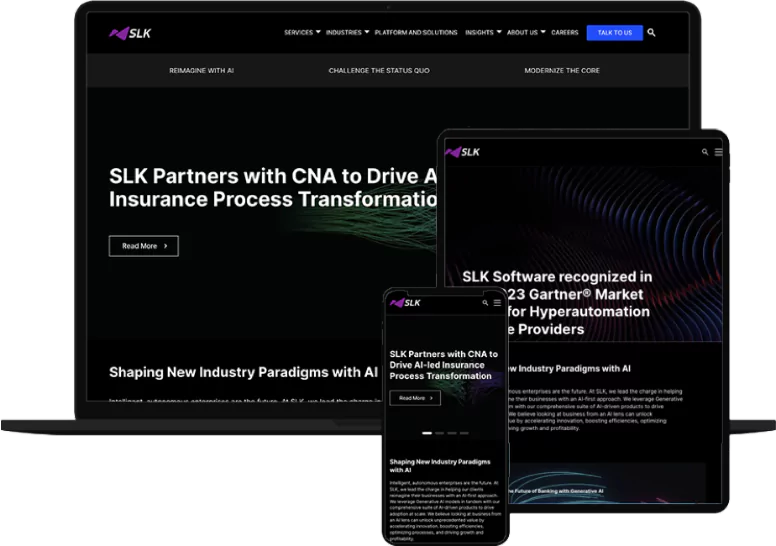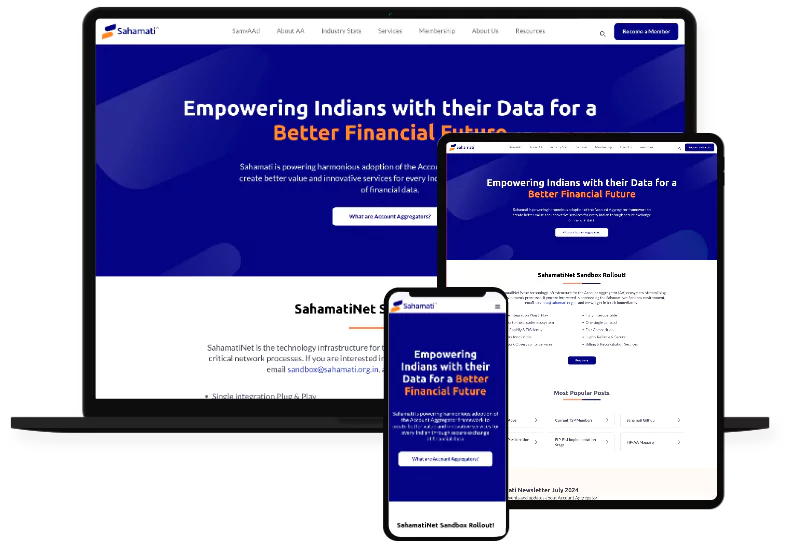










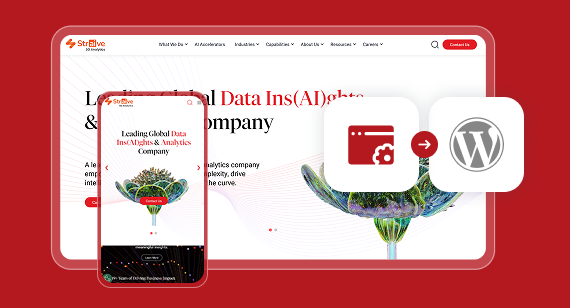
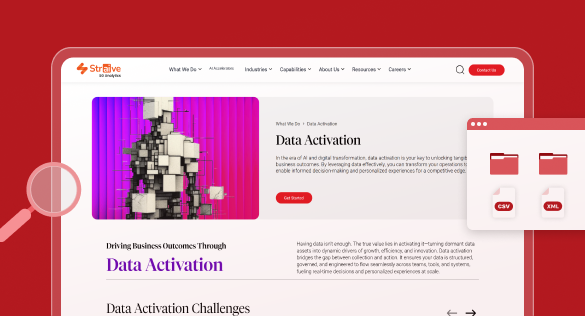

WPoets team is hands on and interacts continuously with clients in understanding the business. Now for over 3 years we have been working with their continuous improvement program and results are measurable. Visitor rates have increased consistently and business from online visitors has seen considerable improvement.

Migrate Your Custom CMS to WordPress Without Losing Data
Trusted Worldwide for WordPress Excellence
Why Migrate Off Your Custom or Legacy CMS
Your competitors are moving faster: Modern CMS platforms are letting your competitors’ marketing teams launch pages, campaigns, and content without waiting weeks for development. You can outperform them if they have modern CMs with workflows as per you marketing and content and SEO team’s wants. Just give them what they want and see the results for yourselves.
Maintenance costs keep climbing
Custom-built CMSes require ongoing investment just to stay functional. Security patching, server upgrades, integrating state of the art marketing tools and compatibility fixes consume resources that could fund growth. Instead, use those funds to grow your business.
SEO is becoming harder to manage
Legacy architectures can make technical SEO and on-page SEO management cumbersome, especially if you have team of content writers and SEO professionals performing those activities at scale.
Vendor lock-in keeps you dependent
You’re stuck relying on the original developer or agency for any changes – from a simple text update to a critical security patch. If that team is unavailable or expensive, even small updates stall for weeks. Your content management should have less dependency.
No plugin ecosystem or third-party integrations are available
Want a form builder? SEO tools? Marketing automation? A/B testing? On a proprietary CMS, none of that exists off the shelf; every single feature means custom development. There’s no marketplace to browse, no community plugins to install. Just billable hours for code built from scratch every time.
Key Features of Our Custom CMS to WordPress Migration
We reverse-engineer your proprietary system’s database structure, custom fields, content elements, and data relationships. Whether your site’s content lives in a relational database or static XML files, we document all the data, including media files, user roles, and custom features – including the undocumented ones – so the audit also prepares for exporting data in a usable XML file or CSV format later in the migration.
Content migration from custom CMSs to WordPress often involves complex data structures, and our audit ensures nothing is missed.
Since your current CMS might not include standard export tools, we build custom extraction scripts in Python, PHP, or Node.js, depending on what best fits, to pull your data out cleanly.
Everything gets preserved in structured formats like CSV or XML, with extraction prepared for WordPress import before anything moves over. We automate most of the extraction to keep things efficient, but we also handle edge cases manually, so nothing falls through the cracks. The goal throughout is accurate migration with no data loss while keeping all your content relationships intact.
We crawl your old site to catalog every live URL, then map each one to its corresponding location on your new site. Where the URL structure changes, we implement 301 redirects to guide traffic to new URLs. SEO risks during migration include broken URLs and lost metadata – our mapping process eliminates both.
Your existing site stays live the whole time as we’re building the new website on a staging environment. So there’s no downtime to worry about. your website visitors will browse the website as they were. During the launch time, we keep things simple: a short content freeze, followed by a quick switch-over to the new website with instant redirects in place.
Every data relationship from your proprietary CMS is mapped to WordPress equivalents, including posts, pages, custom post types, taxonomies (categories and tags), advanced custom fields, and user roles & permissions.
Content mapping is essential to maintain relationships between data elements. We ensure your new WordPress website preserves every structured connection your old system had. This includes site structure as well, but if you need to restructure the website to improve the user journey, this is the best time to do it.
We preserve all the important bits like title tags, meta descriptions, heading hierarchies (H2, H3, H4, H5, H6), interlinking, Open Graph metadata, and schema too. We keep the same URL structures in place to make sure you don’t lose any SEO ranking and redirects if the URLs are changed. Before going live, we submit updated XML sitemaps to Google Search Console and monitor them for 30 days for any errors or warnings.
Content and Database Audit
We reverse-engineer your proprietary system’s database structure, custom fields, content elements, and data relationships. Whether your site’s content lives in a relational database or static XML files, we document all the data, including media files, user roles, and custom features – including the undocumented ones – so the audit also prepares for exporting data in a usable XML file or CSV format later in the migration.
Content migration from custom CMSs to WordPress often involves complex data structures, and our audit ensures nothing is missed.
Hybrid Migration Approach
Since your current CMS might not include standard export tools, we build custom extraction scripts in Python, PHP, or Node.js, depending on what best fits, to pull your data out cleanly.
Everything gets preserved in structured formats like CSV or XML, with extraction prepared for WordPress import before anything moves over. We automate most of the extraction to keep things efficient, but we also handle edge cases manually, so nothing falls through the cracks. The goal throughout is accurate migration with no data loss while keeping all your content relationships intact.
Complete URL and Redirect Mapping
We crawl your old site to catalog every live URL, then map each one to its corresponding location on your new site. Where the URL structure changes, we implement 301 redirects to guide traffic to new URLs. SEO risks during migration include broken URLs and lost metadata – our mapping process eliminates both.
Zero-Downtime Migration Using a Staging Environment
Your existing site stays live the whole time as we’re building the new website on a staging environment. So there’s no downtime to worry about. your website visitors will browse the website as they were. During the launch time, we keep things simple: a short content freeze, followed by a quick switch-over to the new website with instant redirects in place.
Complete data mapping with zero data loss
Every data relationship from your proprietary CMS is mapped to WordPress equivalents, including posts, pages, custom post types, taxonomies (categories and tags), advanced custom fields, and user roles & permissions.
Content mapping is essential to maintain relationships between data elements. We ensure your new WordPress website preserves every structured connection your old system had. This includes site structure as well, but if you need to restructure the website to improve the user journey, this is the best time to do it.
SEO Preservation
We preserve all the important bits like title tags, meta descriptions, heading hierarchies (H2, H3, H4, H5, H6), interlinking, Open Graph metadata, and schema too. We keep the same URL structures in place to make sure you don’t lose any SEO ranking and redirects if the URLs are changed. Before going live, we submit updated XML sitemaps to Google Search Console and monitor them for 30 days for any errors or warnings.
Why WordPress Is the Right Choice
Intuitive content editing with Gutenberg – its a game changer
The modern block editor finally gives your content team the freedom to create and update pages without having to request developers to make the changes for them. Reusable blocks, drag-and-drop components, and a visual editing experience mean you can get pages up on the web in no time, without any of the hassle.
Thousands of developers worldwide
WordPress has a massive talent pool, abundant tutorials and documentation, and no risk of being locked into a single freelancer or agency again.
SEO-friendly ‘out of the box’ – it actually works.
WordPress sites that are properly set up and configured tend to perform well in search engine rankings thanks to useful built-in SEO features, such as clean permalink structures, customizable meta tags, XML sitemaps, and schema markup support. And of course, essential plugins like Yoast SEO or Rank Math Math make ongoing optimization a breeze.
Complete ownership and hosting flexibility
WordPress is open-source and self-hosted, so you don’t have to worry about any pesky licensing fees. You get to choose your own hosting provider and pick a plan that suits your needs and control your own infrastructure. And if you ever want to switch hosting providers, you can do that too – migrating between hosts is a doddle.
A plugin ecosystem to help you do just about anything
WordPress gives you access to thousands of plugins and themes for adding just about any function to your site – from CRM integrations and membership systems to multilingual support and advanced custom fields. Which is great – but be careful not to rely too heavily on third-party plugins for every single feature; it is not recommended.
Regular security updates and community support
WordPress benefits from a huge community of people monitoring for security issues and fixing them. That said, it’s important to keep plugins up to date and be selective about which ones to use, have proper roles and permissions set, 2-factor authentication, and have an SSL certificate installed, among other techniques needed to stay secure. In short, WordPress is actually a pretty secure CMS when properly configured.
What Clients Say
What Clients Say
Our Custom CMS Migration Process
Discovery & Audit Phase
Every migration starts with understanding where you’re headed: your business goals, the challenges you’re facing with your current website, and what you’ll need & want down the road. We analyze your existing CMS: content structure, database, custom features, integrations, and APIs, so we understand exactly how your website works under the hood. This helps us replicate the features and functionality of your existing website into WordPress. Next, we audit webpages, assets (media and documents), custom workflows, and data relationships to determine how they should be organized and structured in WordPress. All of this analysis is used to create a clear migration plan, one that minimizes risk and ensures a smooth transition.
Planning & Strategy
Once the audit is done, we map your content to WordPress architecture, setting up custom post types, taxonomies, fields, and user roles to match how your old site actually works. We also build a URL and redirect plan to protect your SEO rankings during the switch. At the same time, we map out the timeline: content freeze dates, project milestones, and the launch sequence, all designed to minimize disruption. Not everything from your custom setup will carry over automatically to the new website, so early on we make the call, along with your team’s input on what features and functionality are worth rebuilding, what can be simplified, and what’s better left behind.
Design, Development & Migration
We can either replicate your current website’s design or build a new one with a responsive WordPress theme/templates that is aligned with your brand. Development covers creating Gutenberg blocks for design elements, custom editorial workflows, interactive elements, third-party API integrations, and web pages according to approved designs. For content migration, we take a hybrid approach for importing data by automating bulk content and media imports while handling trickier edge cases manually. Our automation scripts preserve the structure when exporting your website’s content, so we can import it into WordPress with its hierarchy, media, and key relationships intact.
Testing & Launch
Before your new WordPress site goes live, we put it through its paces, checking that third-party integrations work, form submissions go through, redirects and SEO settings are in place, load speeds meet standards, and links and mobile responsiveness hold up across the board. Launch happens with zero downtime and is planned during low-traffic periods.
Training & Support
Your team gets hands-on training on the new WordPress admin dashboard. We train you to create various content types that your new website is made up of, such as pages, posts, products, services, case studies, white papers, events, and so forth. We provide documentation that consists of a list of all the Gutenberg blocks and how to use them to create new pages. Ongoing maintenance and support options are available for teams that want a long-term partnership rather than a one-time website handoff.
Why Choose WPoets for Your Migration
01
17+ years specializing in WordPress
We’ve built our entire practice around moving businesses’ websites to WordPress from custom CMS and other platforms like Webflow and HubSpot, as well as fully proprietary systems.
For the past 17+ years, we’ve been exclusively building solutions using WordPress. We have helped many enterprises re-platform to WordPress from custom CMSs and other platforms like Webflow, Kirby, Ghost CMS, Drupal, as well as fully proprietary systems.
02
Enterprise-grade migration process. Fine-tuned over the years
We treat every migration with care. Over the years, we have created processes that are battle-tested for migrating massive, content-heavy websites with zero downtime. Our process includes iterative imports, full backups at every stage, and comprehensive QA before launch.
03
Clear communication & project management throughout
You’ll know exactly where your migration stands at every phase. No surprises, no scope creep from undiscovered features – because our audit and discovery stage has already documented it.
04
Post-launch support and long-term partnership
We don’t disappear after launch. For 30 days after launch, we monitor to detect any issues and resolve them quickly. After 30 days, we offer maintenance plans that provide ongoing support to ensure your WordPress site keeps running smoothly as it grows & support your long-term growth.
What Clients Say
View all testimonialsFrequently Asked Questions
How long does a custom CMS to WordPress migration take?
As a general guideline:
| Website Type | Typical Timeline | Typical Scope |
| Small sized Website | 4–8 weeks | 5–10 unique page designs |
| Medium sized Website | 8–16 weeks | 20–24 unique page designs with custom functionality and integrations |
| Enterprise Website | 16–32+ weeks | 40–50+ unique page designs, multilingual support, custom workflows, enterprise integrations, advanced functionality, extensive QA, marketing automation, and much more. |
If you have any specific timeline in mind, share it with us, and we will try to figure out how we can plan around that timeline
Will there be any downtime during migration?
How do you preserve SEO rankings during migration?
- 301 redirect mapping – Every changed URL gets a proper 301 redirect, no lost traffic, no confused for search engines
- Metadata preservation – We’ll carry over all your title tags, meta descriptions, canonical tags, and schema markup as-is, so nothing gets lost in the move
- URL structure preservation – We’ll keep your URL structure as close to the original as possible, so you don’t lose the SEO ground you’ve already gained
- Schema markup continuation from your old site to the new platform.
- Updated XML sitemaps submitted to Google Search Console on launch day.
What training and support do you provide?
- Hands-on WordPress and Gutenberg training built around how your team actually works
- Documentation and video tutorials (if needed) provided
- A rundown of every Gutenberg block available and how to add each one
- Guidance on navigating the admin panel, publishing content, and managing media
- Maintenance and support available for 30 days post-launch. After that, if you want continued support, choose one of our maintenance plans
How much does a custom CMS migration cost?
.