

Migrate to WordPress and Turn Your Website into a Growth Engine
Key Features

Any CMS-to-WordPress Migration
We migrate your entire website from any CMS, open-source, proprietary, or headless, into WordPress without data loss. From web pages and blog posts to custom content types, media files, and databases, everything is transferred accurately and securely.

Custom Content & Field Mapping
Since each CMS follows a unique content structure, we precisely transfer your content models, structures, fields, and much more into WordPress custom post types & Custom Fields, maintaining data integrity and functionality throughout the migration.

Zero-Downtime Migration Approach
Your live site stays accessible during the migration process. We perform migrations in a staging environment and switch only when everything is tested and approved, minimizing disruption to users and search engines.

Design Recreation or Enhancement
We’ll bring your current design to life in WordPress and, where it makes sense, improve it for speed, usability, and conversions without losing the look & feel that makes your brand recognizable and trusted.

Performance-Optimized WordPress Setup
Migration isn’t just about moving data. We fine-tune your new WordPress setup for speed, scalability, and security, so pages load quickly today, and your site is ready to grow with you.


Why WPoets Is Different
Other Agencies
-
Many agencies move content but ignore performance, structure, and SEO continuity.
-
Often overlook SEO during migration, causing broken links, lost SEO equity, & reduced search visibility once the site goes live.
-
Offer limited help once the new site is live and issues start to appear.
-
Depend on generic, one‑size‑fits‑all processes that ignore your specific business needs.
-
Risk outages and disruption when switching platforms for busy, revenue‑critical websites.
WPoets
-
We ensure a complete migration, including data, fields, media, functionality, and SEO integrity.
-
Execute SEO-safe migrations with precise redirects, metadata mapping, and URL structure preservation
-
We improve your site’s speed and stability during migration, helping it meet Core Web Vitals right from launch.
-
Follow a tested, launch-ready migration framework designed for zero downtime and mission-critical websites
-
We plan your migration carefully so your site stays up and running smoothly, with no downtime during the launch.
CMS Platforms We Migrate From
AEM to WordPress

Transition complex AEM sites to WordPress for easier publishing, lower costs, and enterprise-grade SEO control.
Webflow to WordPress

Move from Webflow to WordPress with the same design, more flexibility, and full site ownership.
Kentico to WordPress

Move Kentico sites to WordPress for a faster, more flexible CMS and easier content editing.
HubSpot CMS to WordPress

Migrate HubSpot CMS pages and blogs to WordPress while keeping forms, tracking, and SEO data intact.
Ghost to WordPress

Migrate Ghost blogs to WordPress while preserving posts, authors, tags, and SEO rankings.
Kirby CMS to WordPress

Move from Kirby to WordPress with well-organized content, flexible designs, and SEO that grows with your site.
Umbraco to WordPress

Migrate Umbraco content types to WordPress, preserving URLs & metadata to protect and grow organic traffic.
Drupal to WordPress

Shift from Drupal to WordPress with accurate content mapping, simpler editing, and strong SEO foundations.
Sitecore to WordPress

Migrate Sitecore content to WordPress while preserving SEO settings and structured content.
Liferay to WordPress

Switch from Liferay to WordPress to make content more user-friendly, speed up your site, and boost SEO.
Optimizely to WordPress

Migrate Optimizely CMS content to WordPress while maintaining URL structure and SEO settings.
Prismic to WordPress

Migrate from Prismic to WordPress while maintaining layouts, content relationships, and SEO metadata.
Craft CMS to WordPress

Upgrade from Craft CMS to WordPress to manage content effortlessly, update smoothly, and scale publishing.
Strapi to WordPress

Convert Strapi headless content into WordPress with flexible custom post types and full editorial control.
Joomla to WordPress

Move your site from Joomla to WordPress to simplify content management and boost performance.
Typo3 to WordPress

Migrate complex TYPO3 sites to WordPress with reusable templates, structured content, and preserved URLs.
ExpressionEngine to WordPress

Upgrade ExpressionEngine websites to modern WordPress builds that are easier to use and maintain.
Silverstripe to WordPress

Transition from Silverstripe to WordPress with organized content, flexible theming, and long-term maintainability.
Framer to WordPress

Convert Framer sites into powerful WordPress builds that retain your design and improve editing and SEO.
Wix to WordPress

Shift from Wix to WordPress to gain better SEO, faster load times, and lasting scalability.
Contentful to WordPress

Move from Contentful to WordPress with structured content migration & carefully preserved content relationships.
Our Migration Process
01 Initial Consultation & Site Audit
We start by auditing your existing website and tech stack, documenting content types, templates, media, user roles, and integrations. This helps us understand your existing CMS content structure and define a migration strategy tailored to your goals.
01Initial Consultation & Site Audit
We start by auditing your existing website and tech stack, documenting content types, templates, media, user roles, and integrations. This helps us understand your existing CMS content structure and define a migration strategy tailored to your goals.
02 Migration Strategy & Planning
Next, we create a tailored migration plan. We map your current content models, URLs, custom functionality, and design components to WordPress pages, posts, custom post types, and custom fields, ensuring structural and SEO continuity.
02Migration Strategy & Planning
Next, we create a tailored migration plan. We map your current content models, URLs, custom functionality, and design components to WordPress pages, posts, custom post types, and custom fields, ensuring structural and SEO continuity.
03 Data Migration & Import
Using a mix of automated (custom scripts) and manual processes, we migrate all content, media, and users into WordPress. Internal links, navigation, & content hierarchy are preserved for a seamless experience.
03Data Migration & Import
Using a mix of automated (custom scripts) and manual processes, we migrate all content, media, and users into WordPress. Internal links, navigation, & content hierarchy are preserved for a seamless experience.
04 WordPress Design & Development
You can keep your current look & feel of the website or redesign it with a modern, responsive look. Our WordPress builds are fast, mobile-friendly, and easy to manage using the Gutenberg editor.
04WordPress Design & Development
You can keep your current look & feel of the website or redesign it with a modern, responsive look. Our WordPress builds are fast, mobile-friendly, and easy to manage using the Gutenberg editor.
05 Testing & Quality Assurance
Before launch, we conduct thorough testing across the staging environment to ensure every page, feature, internal link, and form functions flawlessly. This includes validating third-party integrations, checking site speed, and ensuring mobile responsiveness to guarantee optimal performance and a smooth launch experience.
05Testing & Quality Assurance
Before launch, we conduct thorough testing across the staging environment to ensure every page, feature, internal link, and form functions flawlessly. This includes validating third-party integrations, checking site speed, and ensuring mobile responsiveness to guarantee optimal performance and a smooth launch experience.
06 Launch & Ongoing Support
We take care of everything from go-live to post-launch support, making sure your WordPress site launches smoothly with minimal downtime and seamless DNS updates, followed by team training and ongoing support for security, updates, and performance.
06Launch & Ongoing Support
We take care of everything from go-live to post-launch support, making sure your WordPress site launches smoothly with minimal downtime and seamless DNS updates, followed by team training and ongoing support for security, updates, and performance.
Our Expertise
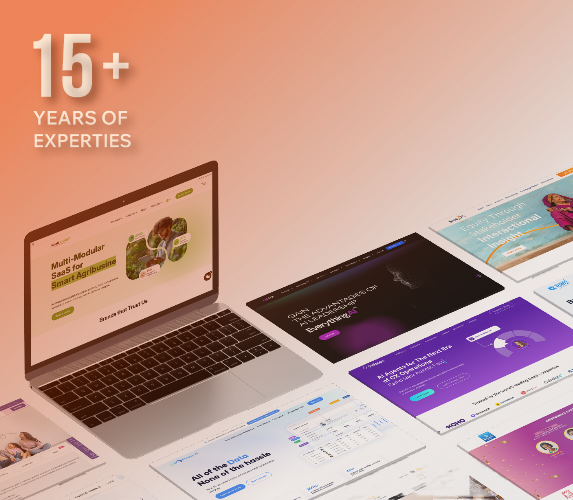
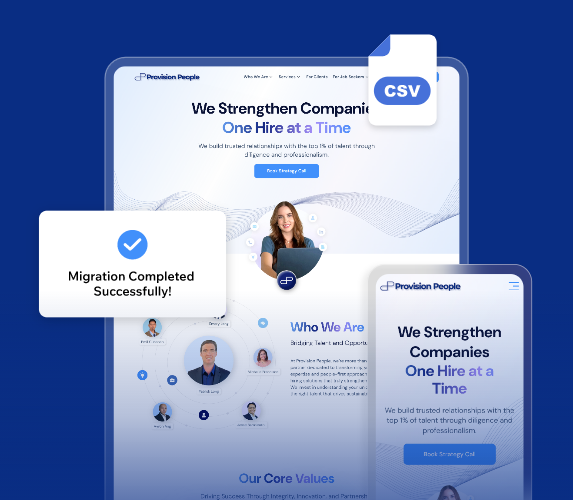
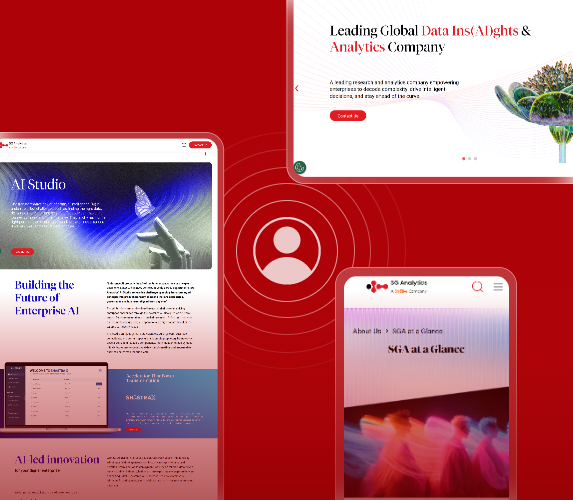
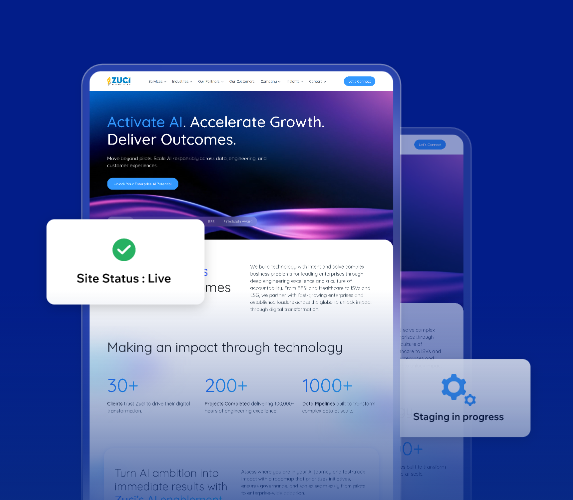
With 15+ years of WordPress engineering expertise, we help businesses move from any CMS to WordPress while preserving design, functionality, and content integrity.
We’ve successfully migrated complex websites with large content libraries, media assets, custom workflows, & advanced access controls, maintaining performance, stability, and scalability.
We don’t just migrate content, we improve UI/UX and clearer navigation, without changing your brand’s look and feel.
Our staging-first, thoroughly tested process keeps your live site running throughout the migration, ensuring a smooth transition without disruption to users or search engines.

Why Choose Us?
01
Expert-Led WordPress Migration
Your project is handled by experts who specialize in WordPress migrations, so issues are resolved faster, and everything runs smoothly.
02
Pre-Migration Risk Assessment
We identify CMS-specific risks, technical constraints, and integration issues before migration begins, preventing issues during and after the transition.
03
Smart, Scalable WordPress Platforms
We create WordPress sites that are clean, easy to maintain, and free of unnecessary plugins or technical debt, enabling easy updates and scaling.
04
Launch & Ongoing Support
We stay with you after launch, monitoring performance, fixing issues, and keeping your site running smoothly.
What Client Say
What Client Say



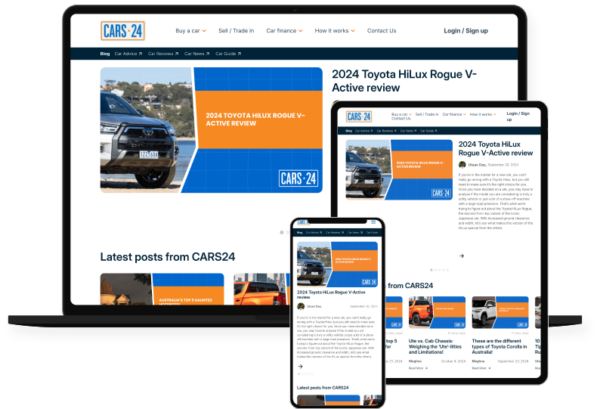
“We needed more than just a new blog; we needed a content engine. The WPoets team didn’t just migrate our blog; they made it better, faster, and future-proof. It’s now a platform our content team enjoys working on every day.”

– Marketing Lead, Cars24 Australia

– Marketing Lead, Cars24 Australia
The new platform is intuitive, fast, and visually stunning. It aligns perfectly with our brand and offers a seamless booking experience for our customers. The team at WPoets Technology exceeded our expectations.


FAQ
How do you manage a WordPress migration from beginning to end?
Before launch, we rigorously test for accuracy, performance, and SEO, then roll out a smooth go-live with minimal disruption.
How long does it usually take to migrate a website to WordPress?
To give you a clear and accurate timeline, connect with our migration experts. Our team will review your current CMS setup, have a look at your sitemap, unique page count, content structure, custom features, integrations, and design needs. Contact our experts for a detailed estimate based on your setup.


